
ChatGPT for Studying: Features, Pricing, Limitations, and Honest Verdict (2026)
A structured tool profile of ChatGPT as a study assistant — covering Study Mode, platform availability, pricing tiers, best use cases, and notable limitations — to help high school, college, and graduate students decide whether it fits their study workflow.
Updated:
What Is ChatGPT as a Study Tool?
ChatGPT is an AI study assistant — a conversational tool that students use for on-demand tutoring, concept explanation, practice test generation, and a wide range of other learning tasks. Unlike flashcard apps or note-taking tools, it does not impose a fixed workflow. You bring a question, a problem, a chunk of lecture notes, or a topic you do not understand, and it responds in whatever format is most useful: an explanation, a quiz, a summary, a step-by-step worked example.
By 2026, ChatGPT is the most widely used AI study tool among students at the high school, undergraduate, and graduate levels. Its appeal is straightforward: it is available 24 hours a day across every major platform, it handles an unusually broad range of subjects and task types, and the free tier covers most everyday student needs. The question for any student evaluating it is not whether it is useful in general — it is whether it fits their specific study situation and what they need to watch out for.
Study Mode: The Feature That Changes How ChatGPT Teaches
The most significant development in ChatGPT as a study tool is Study Mode, launched on July 29, 2025. It is available on all plans, including Free. To activate it, click the plus icon in the prompt text box and select "Study and learn."
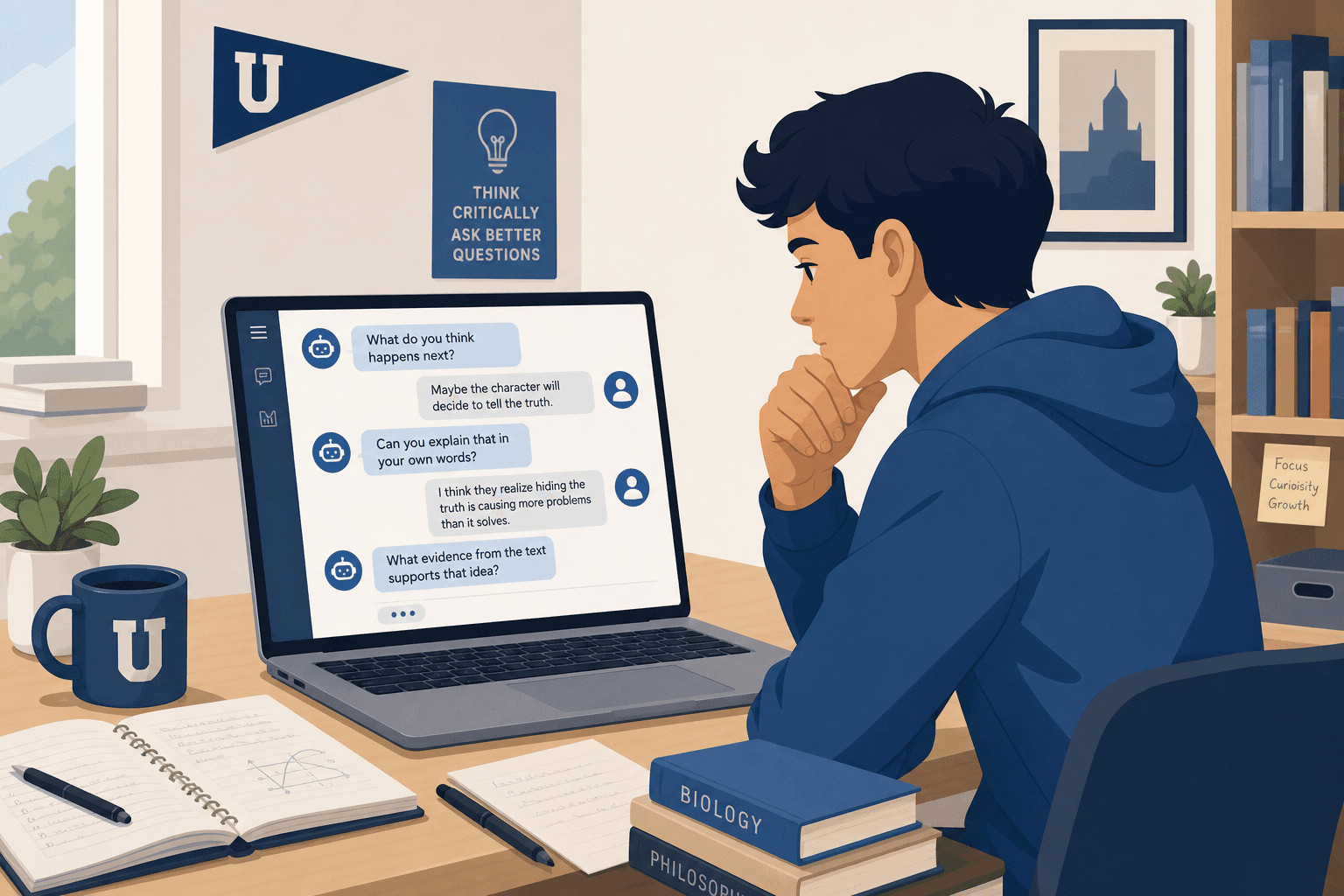
The core difference from standard ChatGPT is in how it responds. Rather than giving you an answer directly, Study Mode asks guiding questions, offers hints, checks your understanding, and scaffolds its explanations by topic. It is designed to promote active participation — the model was built with input from teachers, scientists, and pedagogy experts specifically to avoid the passive-use trap that standard ChatGPT can fall into.
What Study Mode does in practice:
- Socratic questioning — asks you what you already know before explaining, and follows up with questions that push your reasoning further.
- Guided hints — gives partial information to help you work toward an answer rather than handing it to you.
- Comprehension checks — uses quizzes and open-ended questions to test whether you have actually understood, not just read.
- Scaffolded responses — organizes explanations by topic and adjusts complexity based on your prior messages and memory.
- Personalized support — calibrates to your apparent skill level across the conversation, and uses memory from previous sessions when available.
- Progress tracking — OpenAI has flagged cross-conversation goal-setting and finer-grained progress tracking as planned future additions.
You can upload your own course materials — PDFs, lecture notes, problem sets — and ask Study Mode to teach from them. Using the Projects feature to keep a separate Study Mode conversation for each course helps maintain context across sessions.
Supported Platforms
ChatGPT is available across every major platform students use:
- Web (browser, any device)
- iOS (iPhone and iPad)
- Android
- Windows (desktop app)
- macOS (desktop app)
This is the broadest platform coverage of any AI study tool currently available. A session started on your laptop in the library continues seamlessly on your phone on the way home, with memory carrying context across devices on paid plans.
Pricing Tiers for Students
ChatGPT has three personal pricing tiers as of Q2 2026. Most students can start with Free and upgrade only if they hit message limits or need advanced reasoning capabilities.
| Plan | Monthly Cost | Key Features for Students | Limitations |
|---|---|---|---|
| Free | $0 | GPT-5.5 Instant, Study Mode, core task coverage (explanation, quizzes, summarization) | Message limits, ads on responses, no GPT-5.5 Thinking |
| Go | $8/mo | More messages and uploads, expanded memory, no GPT-5.5 Thinking, Study Mode included | Ads may appear, no advanced reasoning model |
| Plus | $20/mo | GPT-5.5 Thinking (advanced reasoning), expanded Deep Research and agent mode, custom GPTs, projects, tasks, expanded memory and context, no ads, Study Mode included | Higher cost — verify whether your institution provides access first |
Two additional access paths are worth knowing. ChatGPT Edu is an institutional plan for universities, providing FERPA-aligned access terms — check with your institution's IT or library services before paying personally, as your school may already provide access. OpenAI also offers a free ChatGPT for Teachers plan for US K–12 educators through June 2027.
Best Use Cases for Students
ChatGPT's value as a study tool comes from its flexibility across subjects and task types. The following use cases represent where it reliably delivers — with the caveat that active, structured use matters more than the task itself. Passive use (reading responses without engaging with the material) produces significantly weaker learning outcomes.
- Concept explanation and on-demand tutoring. Ask it to explain a concept at a specific level, then follow up with questions until you understand it. Study Mode's Socratic format is particularly well-suited to this.
- Practice exam and quiz generation. Paste in your notes or a topic list and ask for a timed practice quiz, multiple-choice questions with explanations, or short-answer prompts. This is one of ChatGPT's strongest study applications.
- Flashcard generation from your own notes. Upload or paste lecture notes and ask ChatGPT to generate question-answer pairs. These can then be imported into Anki or Quizlet for spaced repetition review.
- Essay brainstorming and outlining. Use it to stress-test a thesis, identify counterarguments, or build an outline before drafting. The key distinction is using it to develop your thinking, not to generate the essay itself.
- Lecture note summarization. Paste dense notes and ask for a structured summary organized by concept. Useful for initial review, but verify accuracy against the original source.
- Study plan creation. Describe your exam date, subjects, and available hours per day, and ask for a structured study schedule. It will not track your progress automatically, but the initial plan can be a useful starting point.
- Coding help and debugging. For CS and data science students, ChatGPT is particularly effective at explaining why code is failing, walking through algorithms, and generating practice problems.
- Math problem support. It can walk through worked examples step by step and explain the reasoning at each stage. Use it to check your process, not to generate answers you submit.
- Writing improvement for non-native English speakers. Ask it to explain why a sentence reads awkwardly, suggest clearer phrasing, or identify patterns in your writing errors. This is learning assistance, not ghostwriting.
Notable Limitations Students Should Know
ChatGPT's limitations are specific and consequential for students. Understanding them before building a study workflow around it will save significant time and reduce risk.
- No native spaced repetition scheduling. ChatGPT has no SM-2, FSRS, or equivalent algorithm. It cannot schedule reviews based on your forgetting curve. For long-term retention — vocabulary, anatomy, drug mechanisms, legal principles — you need a dedicated tool like Anki or Quizlet alongside it. ChatGPT can generate the flashcard content; it cannot replace the review system.
- Hallucinations and citation invention. ChatGPT can produce plausible-sounding but completely fabricated citations — author names, journal titles, page numbers, and all. Never use a source ChatGPT names without independently verifying it in Google Scholar, a library database, or Perplexity. This is not an edge case; it is a consistent behavior across all ChatGPT models.
- No source-grounding from uploaded materials. When you upload a PDF to standard ChatGPT, it reads the document but continues to draw on its general training data when generating responses. It can mix content from your uploaded file with information from elsewhere and present both without distinction. This is fundamentally different from how NotebookLM works, which is architecturally constrained to your uploaded sources.
- Academic integrity policy variability. Institutional AI policies vary not just between universities but between courses within the same department. A policy that permits brainstorming assistance may prohibit submitting AI-assisted drafts, and both policies may exist in different courses taught by professors in the same building. Check your syllabus for every course, every semester. When in doubt, ask the instructor directly.
- Passive use produces weak learning outcomes. A June 2025 EEG study conducted at MIT Media Lab with 54 students found that participants who used ChatGPT passively showed the weakest neural connectivity across memory and engagement measures of the three conditions tested, and most could not accurately recall their own essays shortly afterward. This finding — cited secondhand via Coursiv's May 2026 analysis — underscores what Study Mode was designed to address: the benefit of ChatGPT as a learning tool depends heavily on whether you are actively engaging with the material or passively consuming responses.
Recommended Alternatives and Complementary Tools
ChatGPT works best as part of a study system, not as a standalone replacement for specialized tools. Each of the following fills a gap that ChatGPT leaves:
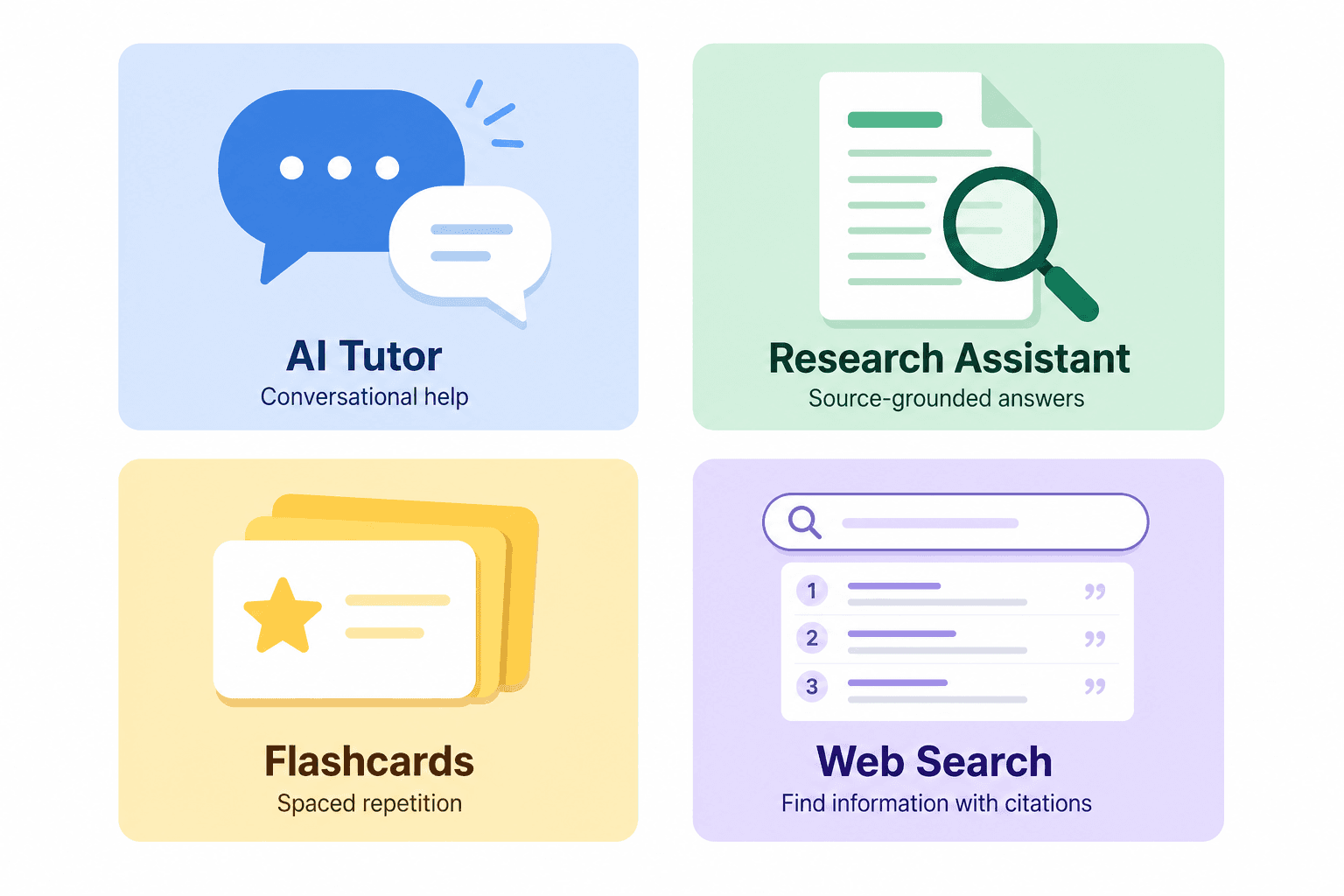
- NotebookLM (source-grounded study from your own materials). Google's NotebookLM is architecturally constrained to your uploaded sources — it cannot draw on general training data when answering questions about your documents. This eliminates the hallucination-from-general-knowledge problem for document-based study. If you are working from a specific textbook, a set of lecture slides, or a collection of research papers, NotebookLM is the stronger tool for that task. See our full NotebookLM for Students profile for a complete feature and limitations breakdown.
- Anki (spaced repetition for long-term retention). Anki uses the SM-2 spaced repetition algorithm to schedule card reviews at the optimal interval for memory consolidation. Use ChatGPT to generate the flashcard content, then import it into Anki for structured long-term review. This combination covers what neither tool does alone.
- Quizlet (largest public deck library, spaced repetition in Learn mode). For subjects where high-quality pre-made decks already exist — standardized test vocabulary, anatomy terms, historical dates — Quizlet's public library is faster than generating your own content from scratch. Its Learn mode includes spaced repetition scheduling. Useful when you need a ready-made deck quickly rather than a custom one.
- Perplexity (real-time web search with automatic citations). When you need to verify a source ChatGPT mentioned, or when you need current information with traceable citations, Perplexity is the right tool. It retrieves and cites live web sources rather than drawing on training data, which makes it far more reliable for source discovery and fact-checking than ChatGPT.
Best-For Verdict: Who Should Use ChatGPT for Studying?
ChatGPT delivers the most value for students who need flexible, on-demand tutoring across a wide range of subjects — particularly when no human tutor is available, when the question does not fit neatly into a flashcard format, or when the task requires explanation and back-and-forth rather than rote memorization.
- Use it as your primary AI study tool if: you regularly need concept explanations, practice quizzes, essay brainstorming, or coding help across multiple subjects. The Free tier is sufficient for most of these tasks. Enable Study Mode by default to get more learning value out of each session.
- Pair it with Anki or Quizlet if: you are studying for a high-stakes exam with large volumes of material that require long-term retention — MCAT, GRE, bar exam, medical licensing, language proficiency. Use ChatGPT to generate card content; use Anki or Quizlet to schedule the review.
- Pair it with NotebookLM if: your study tasks involve working closely with specific uploaded materials — a textbook chapter, a research paper collection, course lecture slides — and you need answers that stay grounded in those sources without mixing in general training data.
- Pair it with Perplexity if: your work requires finding and citing real sources. Do not trust any citation ChatGPT produces without verifying it independently.
- Be cautious if: your institution or individual course instructors have strict AI use policies, or if you find yourself reading ChatGPT responses passively rather than engaging with the material. The tool's effectiveness depends almost entirely on how actively you use it.
Related Resources
- AI Flashcard Generator Guide: How They Work and How to Use Them Effectively →
A workflow-focused guide for high school and college students who want to use AI flashcard generators to build better decks faster — covering how these tools work, how to choose between them, and the five-step process from raw notes to a review-ready spaced repetition deck.
- NotebookLM for Students: Features, Pricing, and Honest Limitations (2026) →
A structured evaluation of NotebookLM — Google's free, source-grounded AI study assistant — covering its core study features, verified pricing tiers, best-fit student use cases, and the key limitations students need to know before choosing it over Anki or Quizlet.
Comments
Join the discussion with an anonymous comment.